Support calls
Automatically capture a phone call, summarise it and attach it to a support ticket.
I bought Hey Pocket because I wanted an easier way to capture my own calls. A summary sitting in a separate app does not fix a business process. So we wired the recordings into our own system. Together with Vincent, I show in The Ship Sh!t Show how a call automatically becomes a summary, tasks, a ticket and time logged against the customer.
 Mitchell van Honk · founder of Mantella
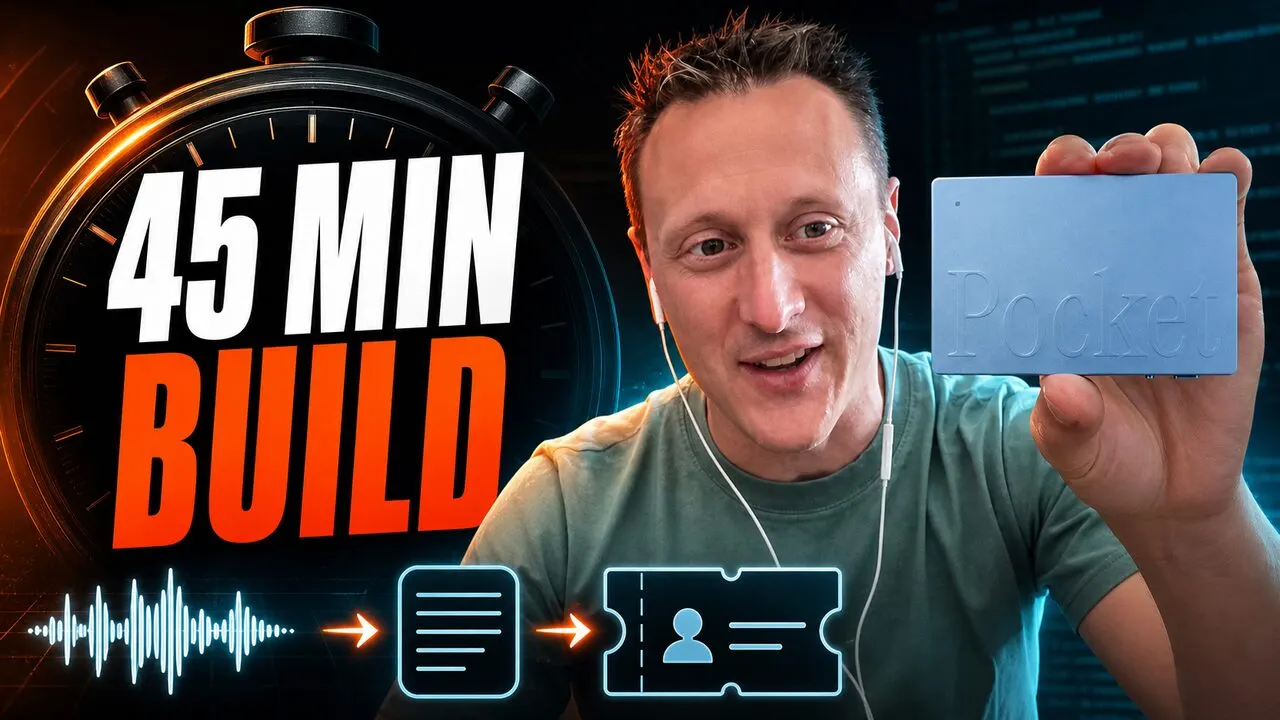
Video in English · the write-up on this page is in English too. This episode of The Ship Sh!t Show is by Mitchell van Honk and Vincent.
Hey Pocket is a small device that records conversations and turns them into a transcript and summary with AI. I bought one myself, with my own money, because I wanted to capture my calls more easily. No partnership, no sponsorship: Pocket is in this story because I use it, not the other way around.
The device does what it promises. The recordings and summaries still lived in a separate app, while our work happens in our own CRM and ticket system. Vincent and I built the connection that fixes that live, during a Ship Sh!t Show stream. We now use the automation ourselves.
A recorder or AI app will give you a transcript and a tidy summary. That looks finished. In practice the work is only starting. That summary still has to go somewhere:
The real time saved is not in recording the call, but in what happens automatically afterwards.
This is the workflow we use today: from the moment a call is recorded until everything is processed in the CRM.
The split is simple: Pocket supplies the input, the automation does the work.
Pocket captures the call. Mantella makes sure something actually happens with it.
This is the same CRM as in our Zendesk case: the system where tickets, tasks and hours already meet. The call automation writes straight into it. The screens below are mock-ups based on test data, not live customer files.
Incoming calls as tickets. Every Pocket recording arrives automatically as a “Call:” ticket in our own support system, ready to pick up.
Detail of a processed call. The AI summary with key points, call duration and ticket details. If recognition is missed, you link the customer in one click.
In the video we do not start by generating code. First the AI coding agent is asked to inspect the existing Laravel project. It reads how our models, services, API connections and webhooks are built, then writes an implementation plan. That happens in read-only mode. Only after the plan is checked is the integration allowed to be built.
After about 45 minutes the first test call arrives as a ticket. The ticket holds the summary, the call duration and the action points that were found. That was the first working version, not the finished product. We refined the integration after the recording. We now use this workflow ourselves.
Automatically capture a phone call, summarise it and attach it to a support ticket.
Put agreements, objections and follow-ups with the right prospect or customer automatically.
Turn wishes, decisions and action points into structured project information.
Capture decisions and tasks without one person having to write up the whole meeting afterwards.
We do not sell a fixed Hey Pocket package. Our work is analysing, connecting and automating the full process. Where the conversation data comes from hardly matters:
Your systems and way of working come first. Pocket is the entry point in this example. The automation behind it can be wired to almost any suitable system.
Tickets, tasks, AI support and time tracking come together in the system that also receives this call automation.